 SnapWord
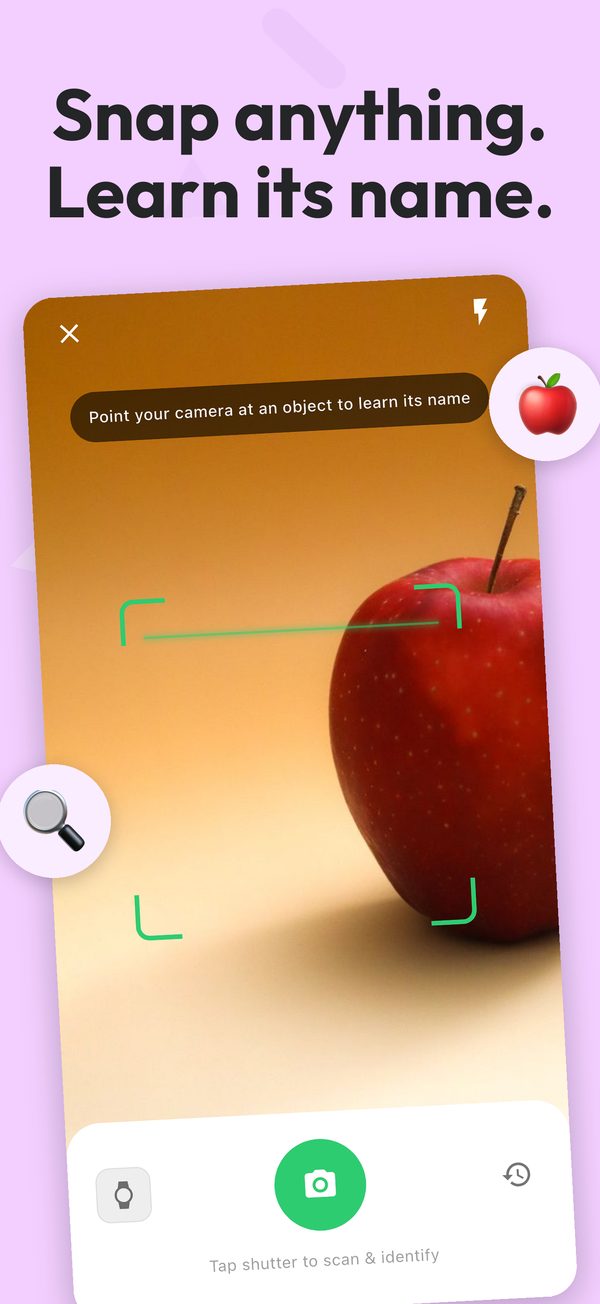
Snap anything.
Learn its name.
SnapWord is a picture dictionary built from your own world. Point your camera at a cup, a chair or a tree and get the word, its pronunciation and a simple explanation in your language — then remember it with games, flashcards and stories.
How it works
Every object around you is a word waiting to be learned.
Snap a real object
Point the camera at anything in your home, classroom or street and tap the shutter.
See it, hear it, get it
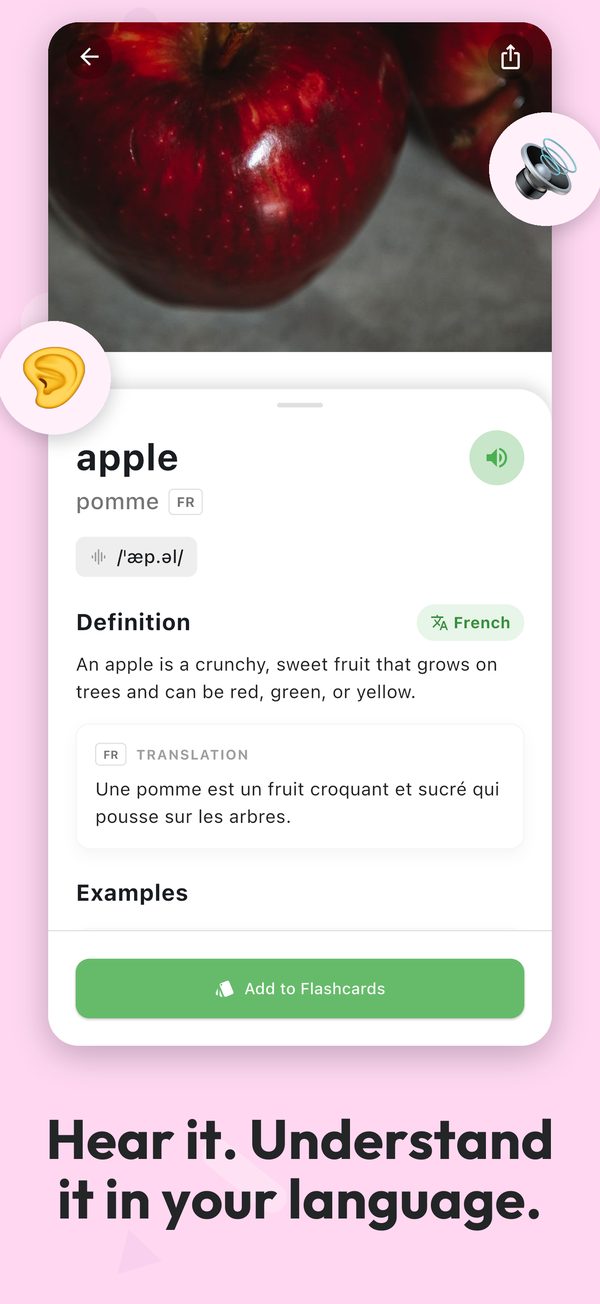
Get the word, its pronunciation, a simple definition, examples and a translation into your language.
Remember it
Every word goes to your flashcards, games and stories, so you review it before you forget.
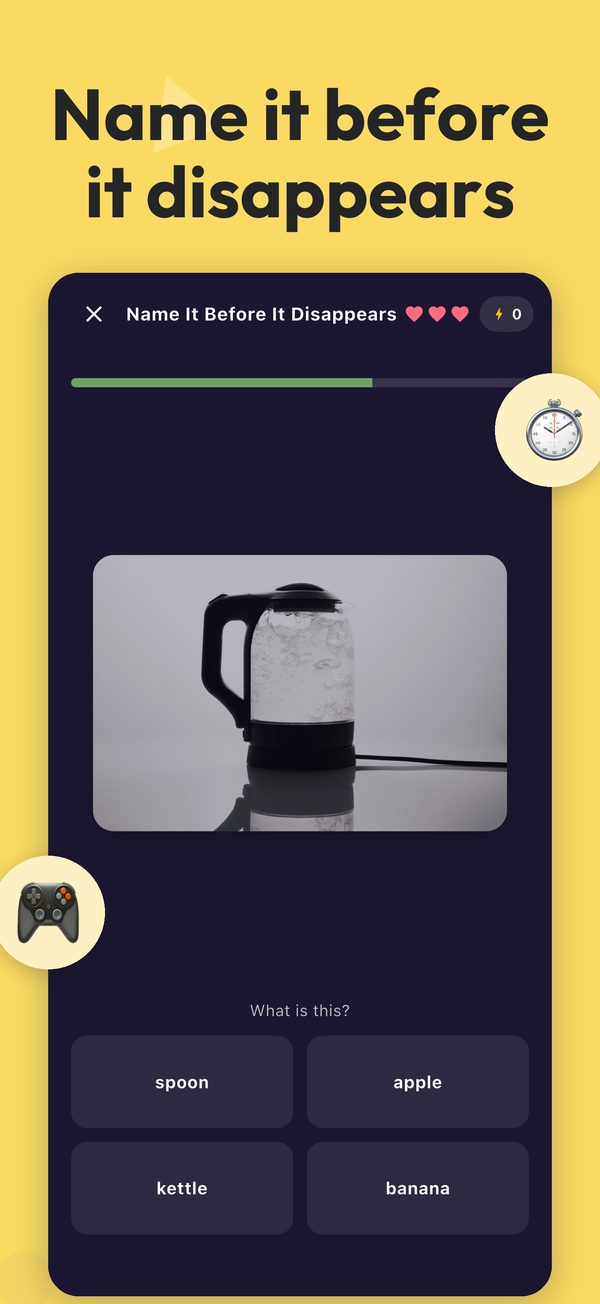
Learning that feels like play
Made for kids learning first words, beginners building vocabulary and anyone picking up a new language.
AI camera scan
Identify everyday objects and learn what they're called.
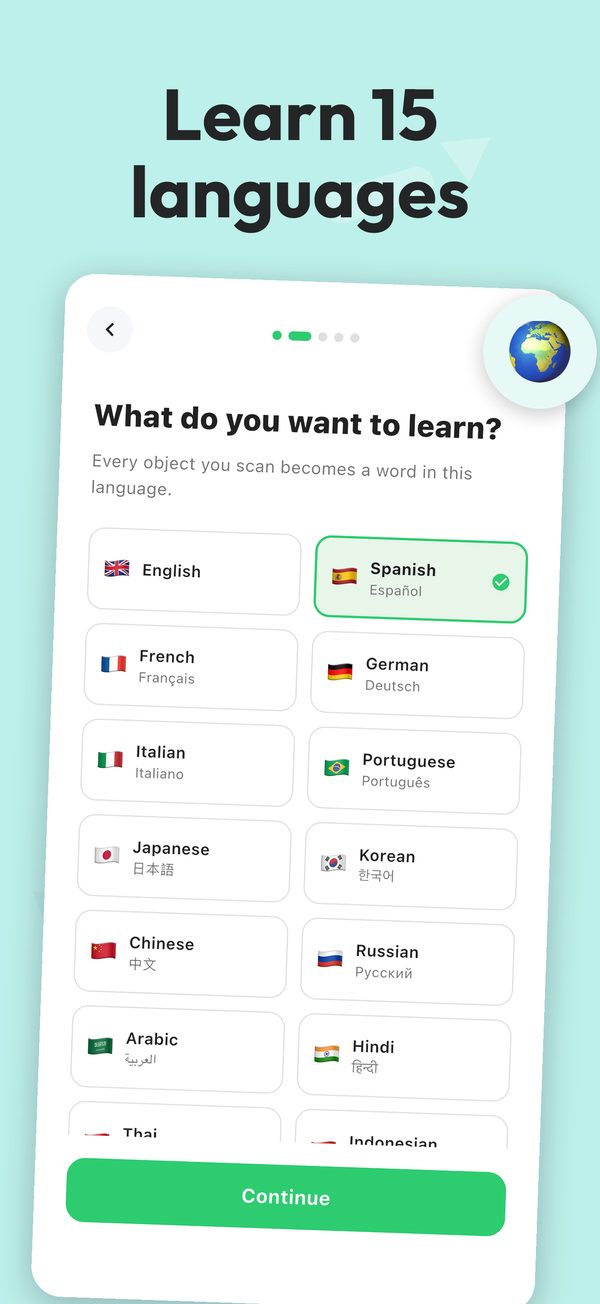
15 languages
Learn English, Spanish, French, Japanese, Korean, Chinese and more, with explanations in 100+ languages.
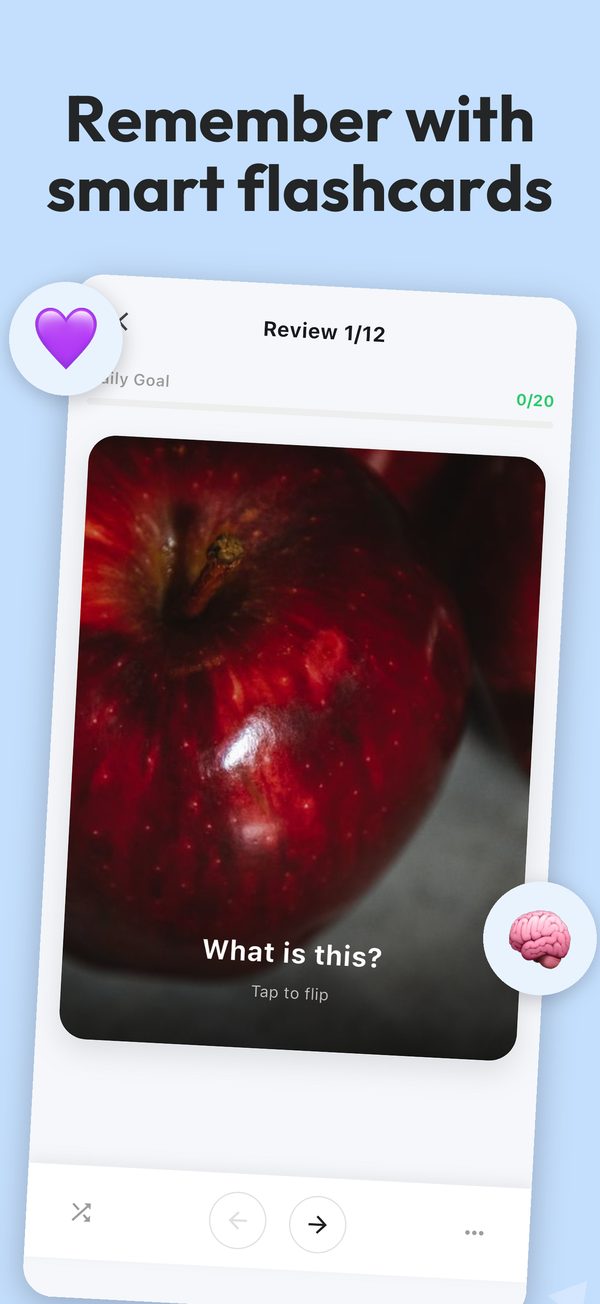
Smart flashcards
Spaced repetition brings each word back right before you'd forget it.
Daily scavenger hunt
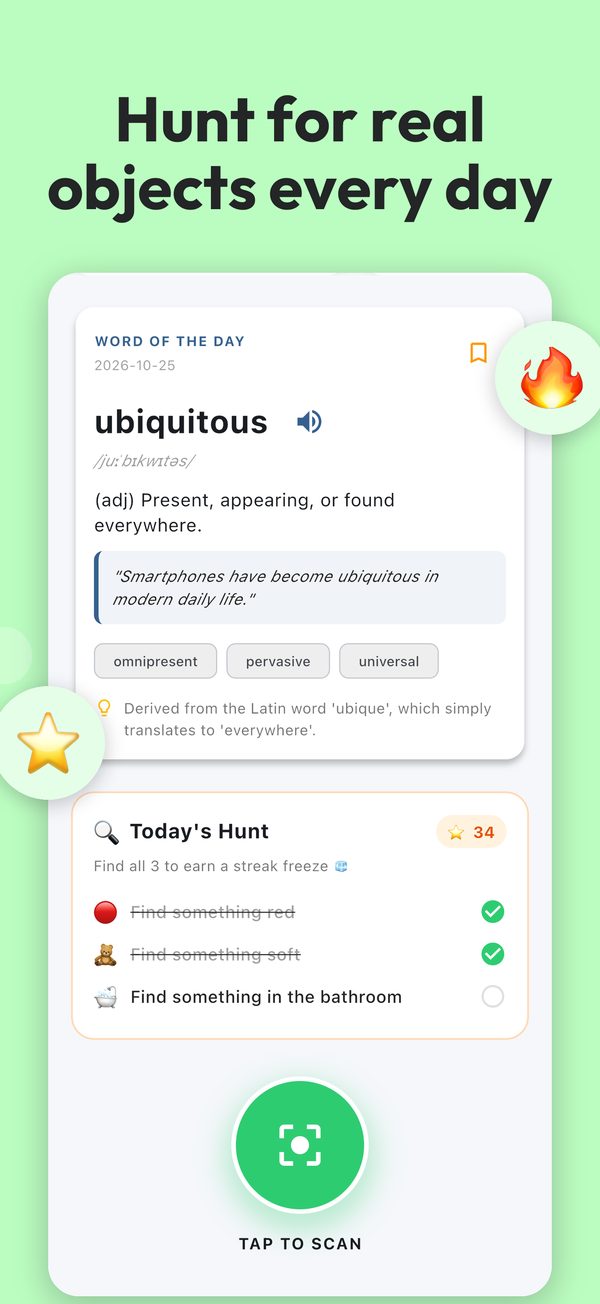
Three quests a day — find something red, something soft — and earn stars and streaks.
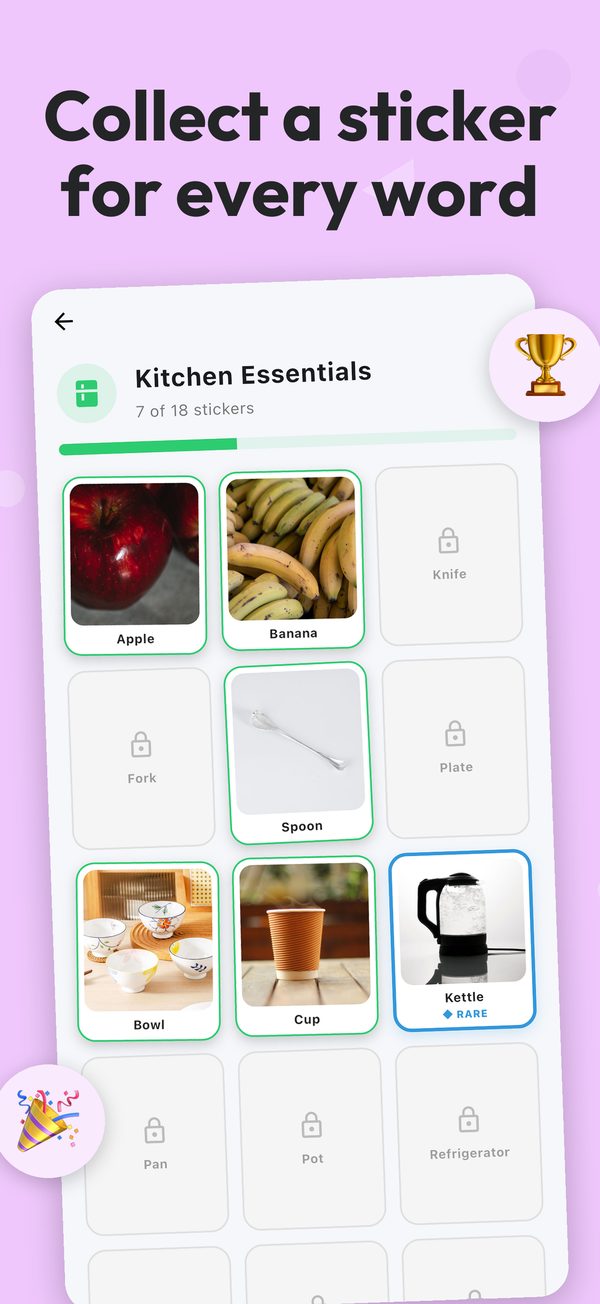
Sticker collections
Every word you scan becomes a sticker in themed albums like Kitchen or Animals.
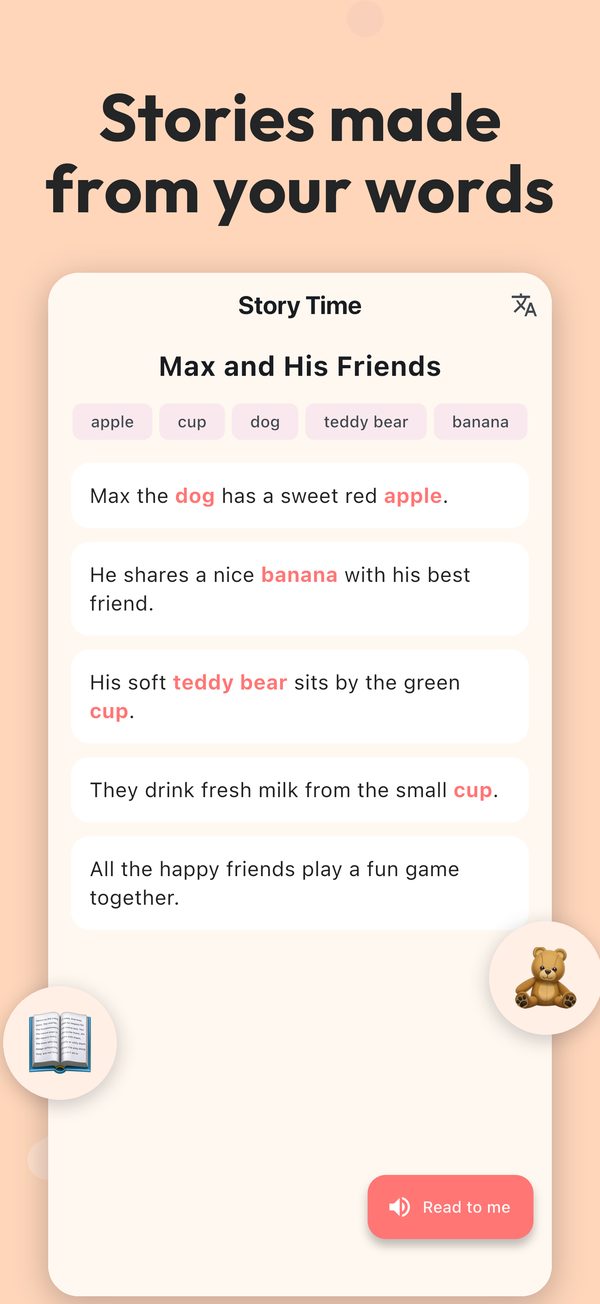
Story Time
Short stories written from the words you've learned, read aloud sentence by sentence.
Built with families in mind
Every scan and lesson passes a safety check for children, and a weekly report shows parents what was learned. Read exactly what we collect in our privacy policy.
Start for free
Use SnapWord every day on the free plan, or upgrade when you want more.
Free
- 2 scans per day, plus a bonus scan for watching a short ad
- 1 story per week
- Flashcards, quizzes, games, hunts and stickers
SnapWord Premium
- Unlimited scans
- No ads
- Up to 5 stories per day
- Monthly subscription or one-time lifetime purchase
Prices are shown in the app before you buy. Subscriptions renew automatically unless cancelled at least 24 hours before the end of the current period; manage them in your App Store account settings.